The SQL backup software helps us to backup our SQL database daily to protect us in the event of a hard drive failure on our database server which contains thousands of records. Very good software, flexible and easy to use.
A reliable and easy to use software. Great must-have tool!
Above all we and our customers appreciate how simple it is. And restoring databases is super fast and easy.
I have used and recommended SQLBackupAndFTP for over a decade.
We’ve been using SQLBackupAndFTP for years and will gladly continue to do so in the future. It has everything you’d expect out of a good database backup tool.
I’ve successfully used SQLBackupAndFTP for a long time backing up on-premise databases. Thanks for a great application that just works every time.
It is is great! It does its stuff in the background - backing up our databases, storing the files and letting us know if anything fails.
It gives us peace of mind by sending our SQL databases to a secure external destination nightly and lets us know if something has failed in the process.
This is an excellent product and I would recommend it to any user for SQL backups. Easy to configure, fast and robust!
SQLBackupAndFTP is a great tool - effortlessly performing scheduled backups of our databases, really easy to use and monitor that everything is running properly.
No hassle, easy and fast installation, email alerts and multiple backup locations, simple and efficient restores - we are finally at peace with our SQL server backups.
It backups my Azure SQL Server database to OneDrive and sends me an email with the details of the success or failure. Thanks for a great software that just works!
It simply does what it suppose to in a very light and fast way.
I had excellent customer service and technical support; when part of our process stopped working - the team worked hard to get it fixed.
The latest version is very mature and integrates with all of the most common services, including Azure. We rely on robust backups and have not found a better tool that does exactly what we need.
We use SQLBackupAndFTP to store backups on an off-site Azure-server. The tool does what it promises every day. We are very satisfied!
I’ve never seen a product so perfectly fill a niche as SQLBackupAndFTP. It does exactly what it says it will do, and it does it extremely well.
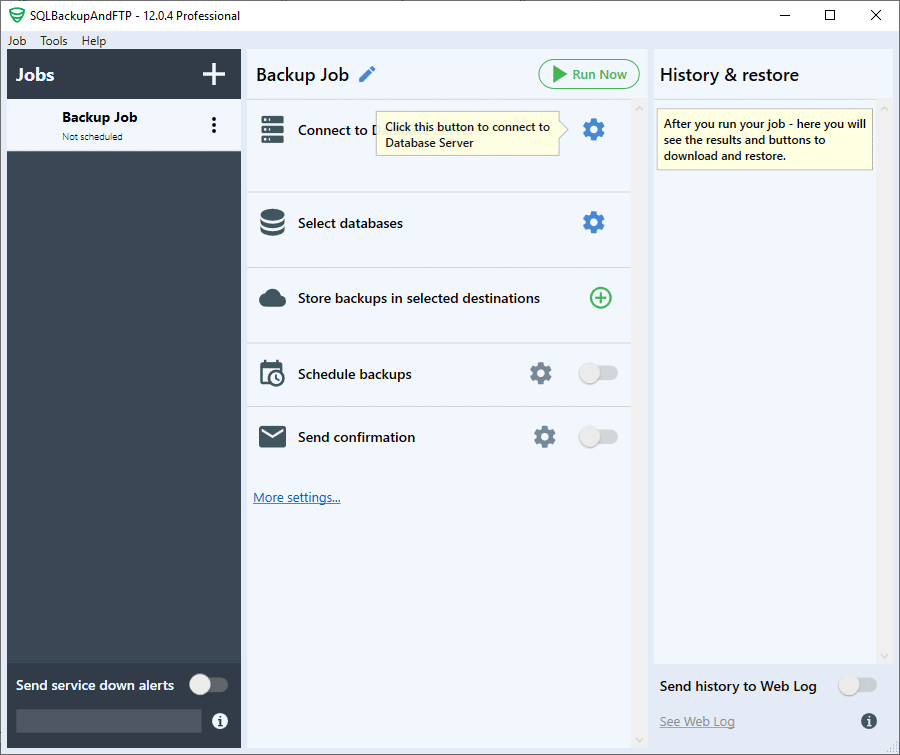
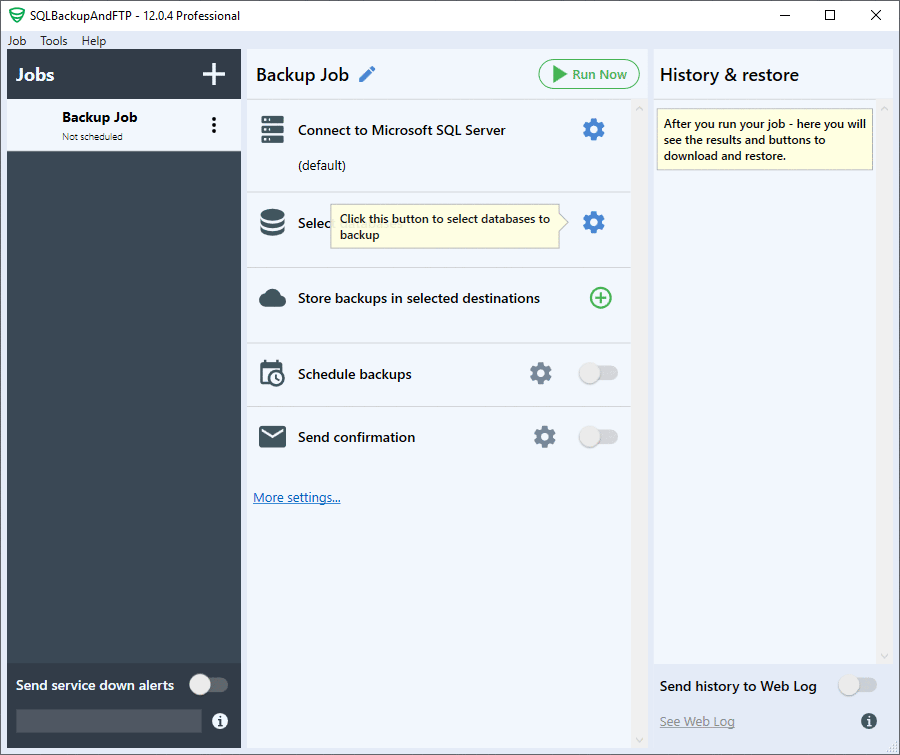
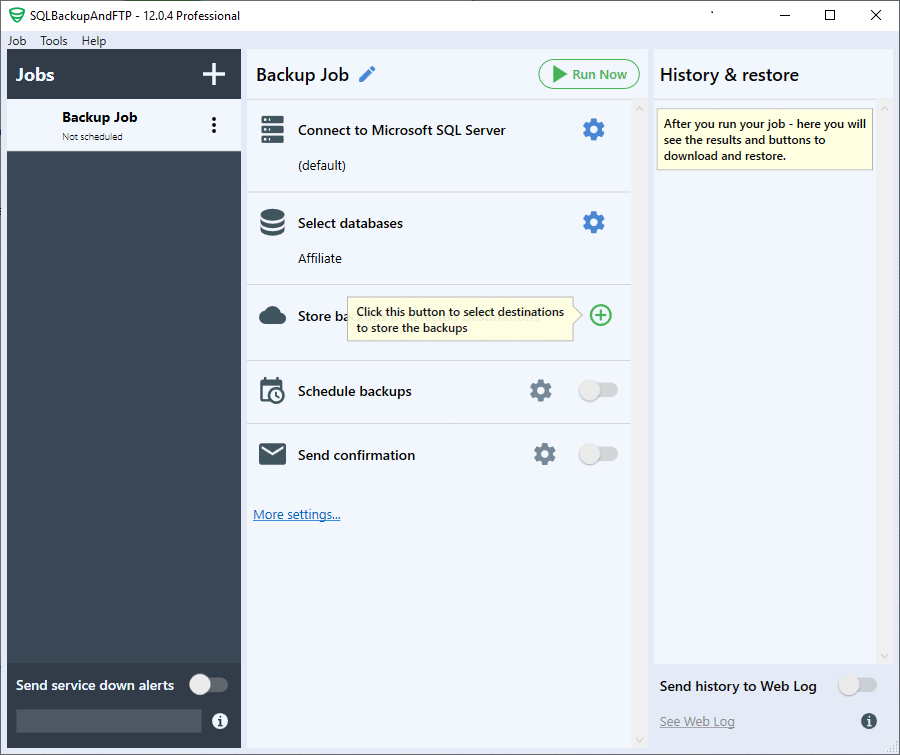
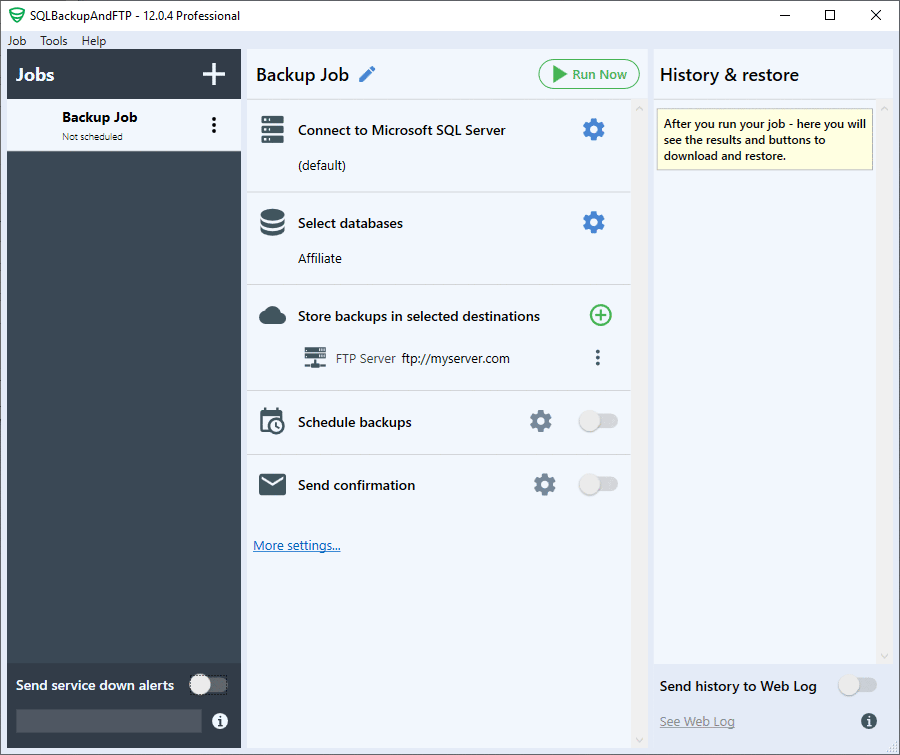
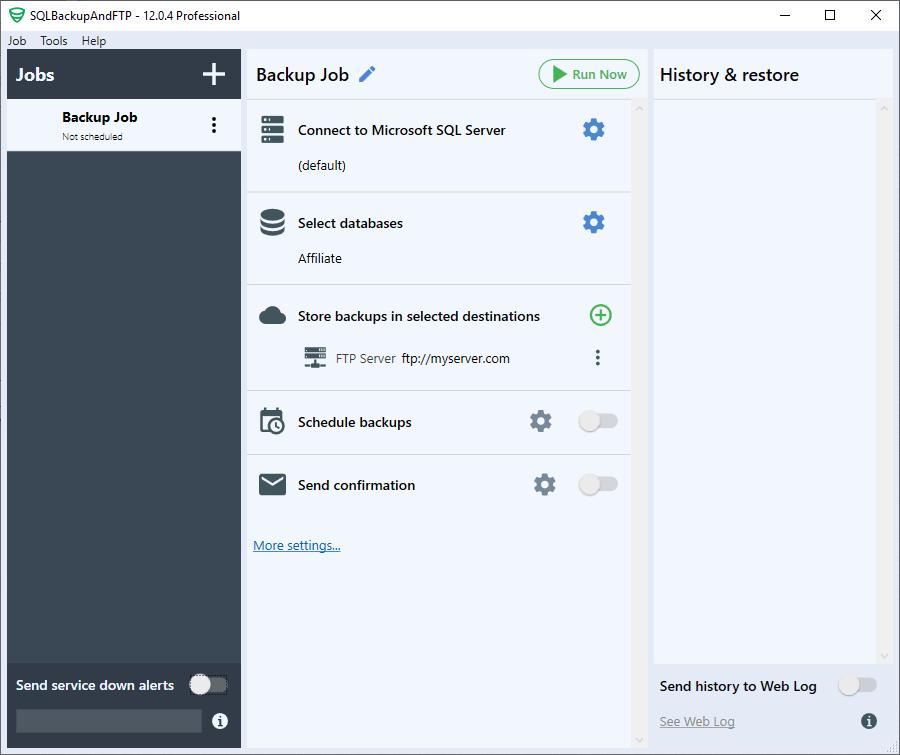
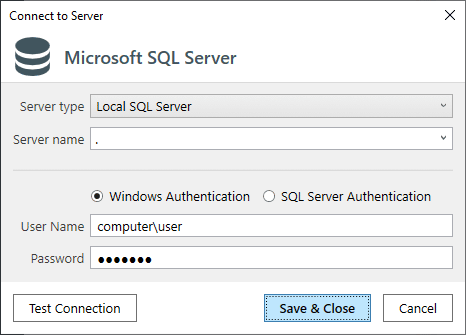
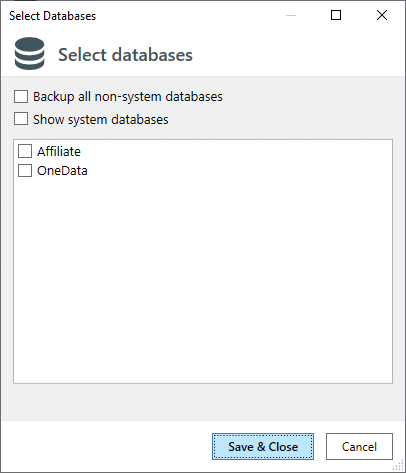
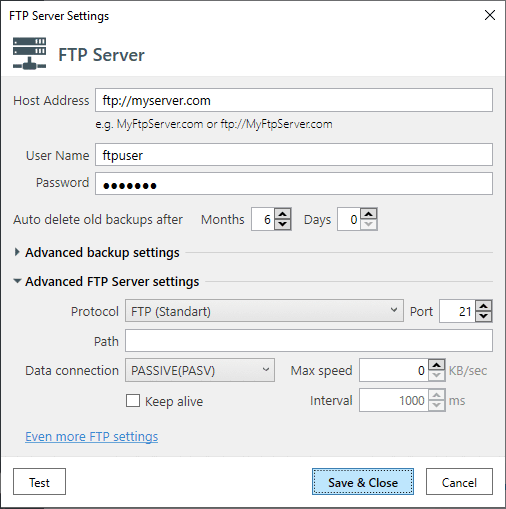
No more complicated configuration, just a single form to automate backups: select databases, backup (full, diff, tran log), encrypt, compress, send to a folder, FTP or cloud service:

schedule backups, receive confirmation emails and restore when needed.
Features & Pricesfree- backup 2 databases to a network or FTP on schedule
$39+ backup 5 databases, Google Drive or Dropbox
$89+ unlimited database backups, OneDrive Personal & Box
$129+ Amazon S3, Windows Azure, OneDrive for Business & AES encryption
$499+ lifetime updates

SQLBackupAndFTP is a software that backups SQL Server, MySQL, and PostgreSQL Server databases, performs regular full, differential, and transaction log backups, runs file/folder backup, zips and encrypts the backups, stores them on a network or on an FTP server or in the cloud (Amazon S3 and others - we're constantly adding more), removes old backups, and sends an e-mail confirmation on the job's success or failure.
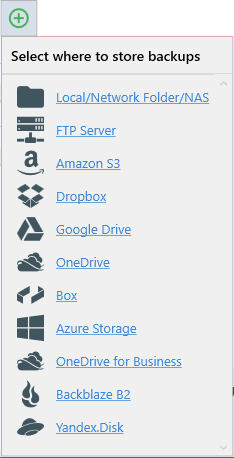
SQLBackupAndFTP is ideal for any SQL Server, MySQL, PostgreSQL, Azure SQL, or Amazon RDS SQL database where backups should be sent to FTP, SFTP, FTPS, NAS, local or network folder, Google Drive, Dropbox, OneDrive, Box, Amazon S3 (and any S3-Compatible storage), Azure Storage, Backblaze B2, Yandex.Disk. It is especially useful for any SQL Server versions, including Azure SQL and Amazon RDS SQL, MySQL, and MariaDB or PostgreSQL, since they don't have built-in in tools for backup.
SQLBackupAndFTP is made to be simple. While for the majority of the users this is a huge advantage, some specific configurations are not handled. You should not use SQLBackupAndFTP if you want to monitor SQL Server performance and schedule backups online in your browser for a large number of servers - SqlBak.com may be suited better for you.