Step 4 of 9
Send backups to FTP Server
Choose your storage destination
 Local / NAS
 FTP
FTP
 Amazon S3
 S3-compatible storage
 Google Cloud Storage
 Wasabi
 Aruba Cloud
 Dropbox
 Google Drive
 OneDrive
 OneDrive for Business
 Azure Storage
 Box
Box
 Backblaze B2
Contabo and Internxt use the S3 Compatible - Custom setup. Use the endpoint and credentials supplied by your provider.
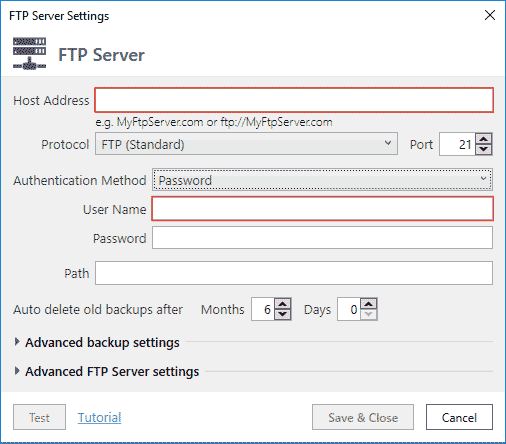
If you chose to send backups to FTP Server — you will see this form.
On the FTP Server Settings form specify how to connect to your FTP server. Like in any FTP client, you usually need to specify hostname, username and password. If FTP does not work for some reason, use any FTP client to connect to your server first, and then use the same settings here.