

01
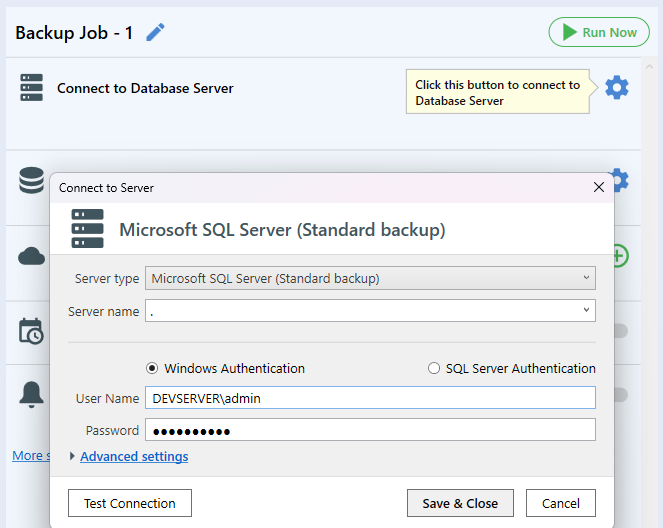
Connect to SQL Server
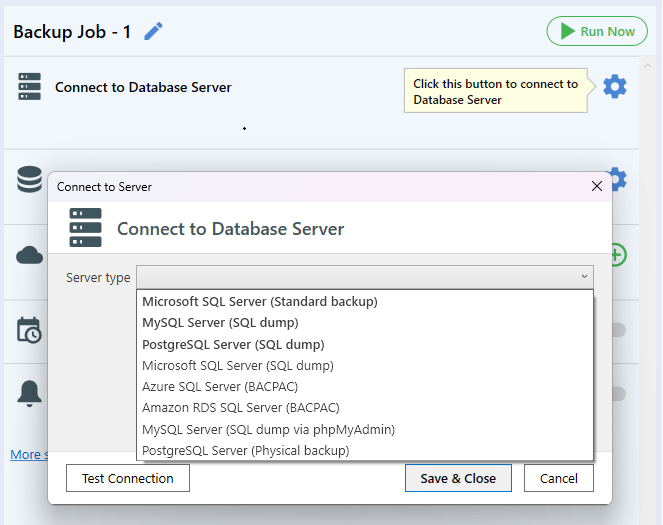
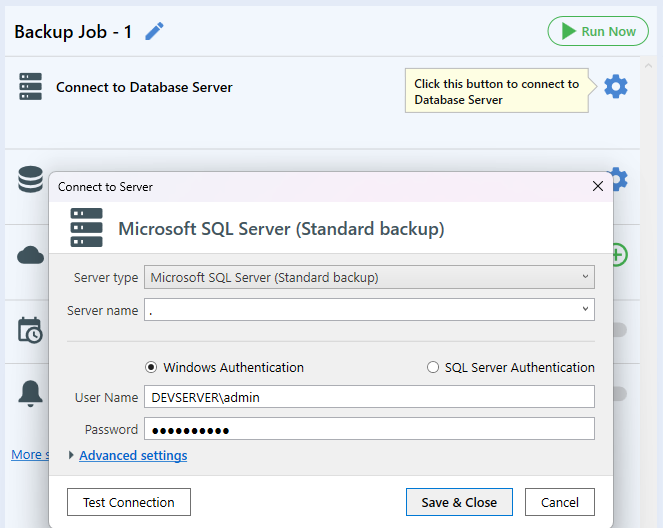
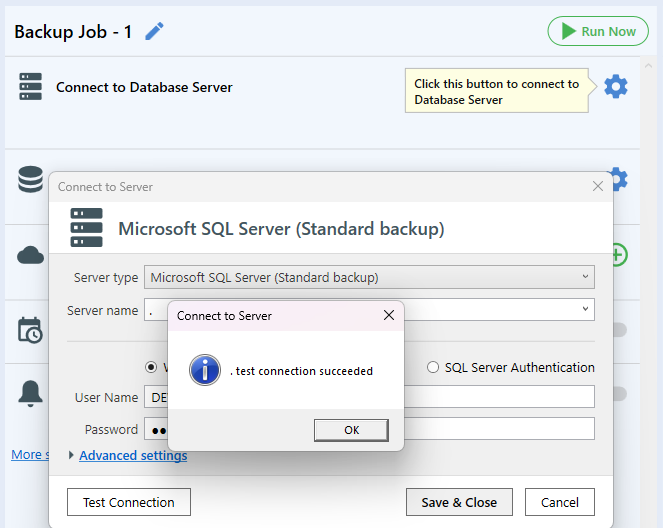
Connect to your SQL Server, Azure SQL or Amazon RDS.
2 minutes to set up.
Full, differential and transaction log backups for every edition, including Express, Azure SQL and Amazon RDS. Sent to a folder, FTP or the cloud, with an email after every run.
Protect your data in just a few minutes.
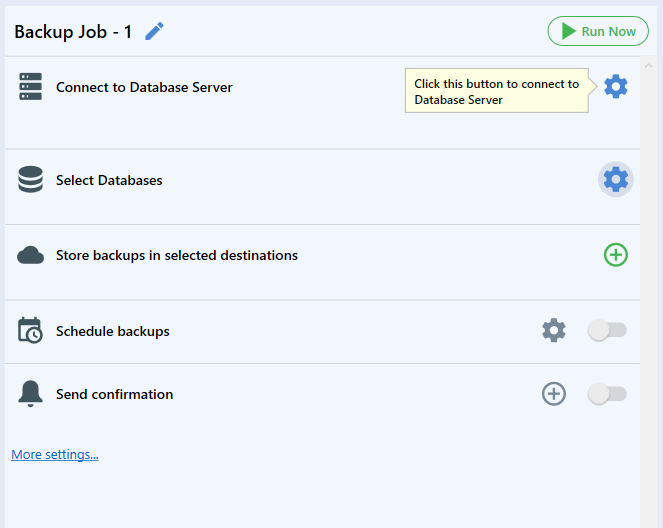
Detailed tutorialConnect to your SQL Server, Azure SQL or Amazon RDS.
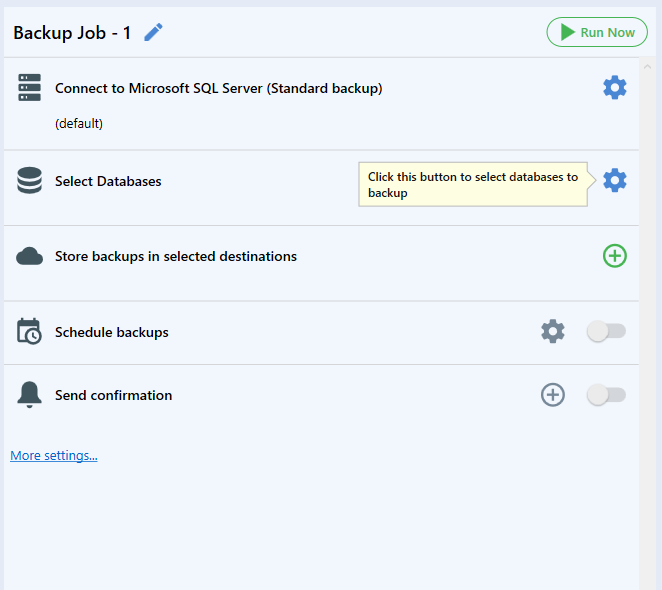
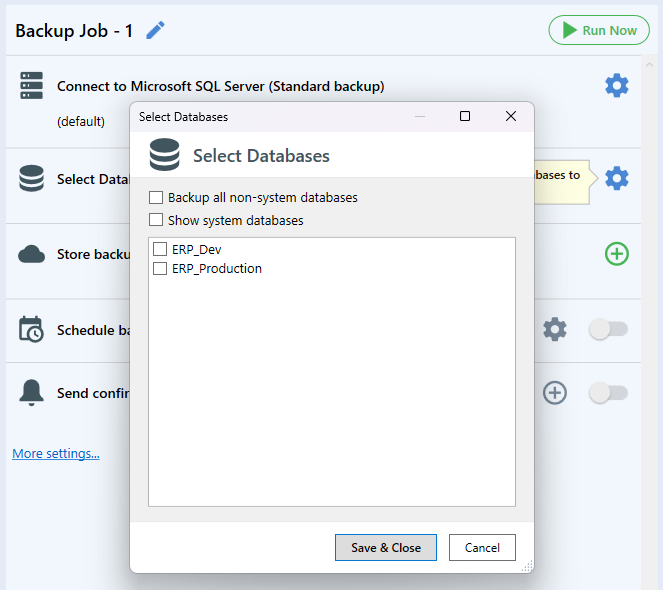
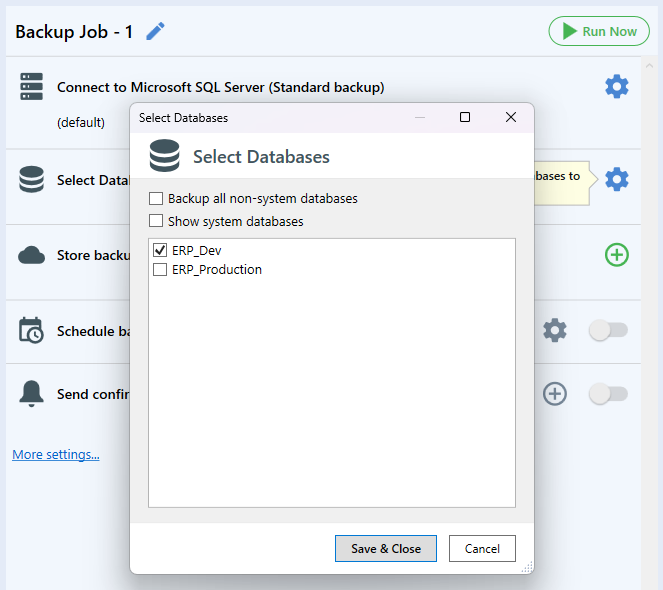
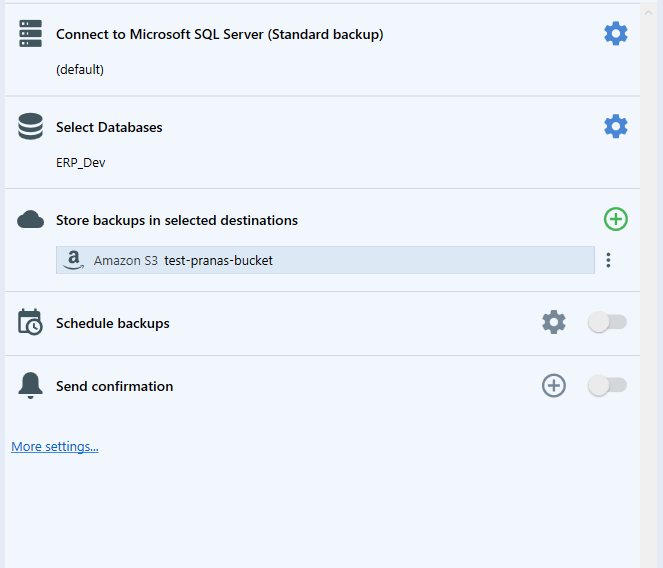
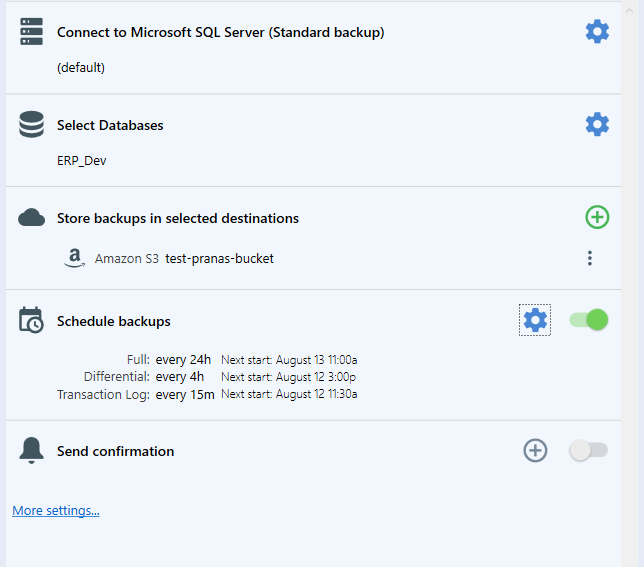
Choose the databases you want to backup. One job can include several databases.
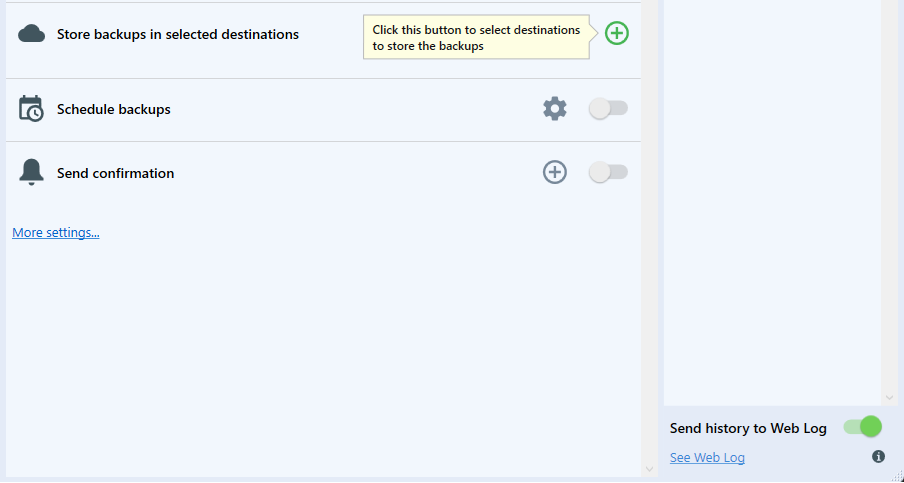
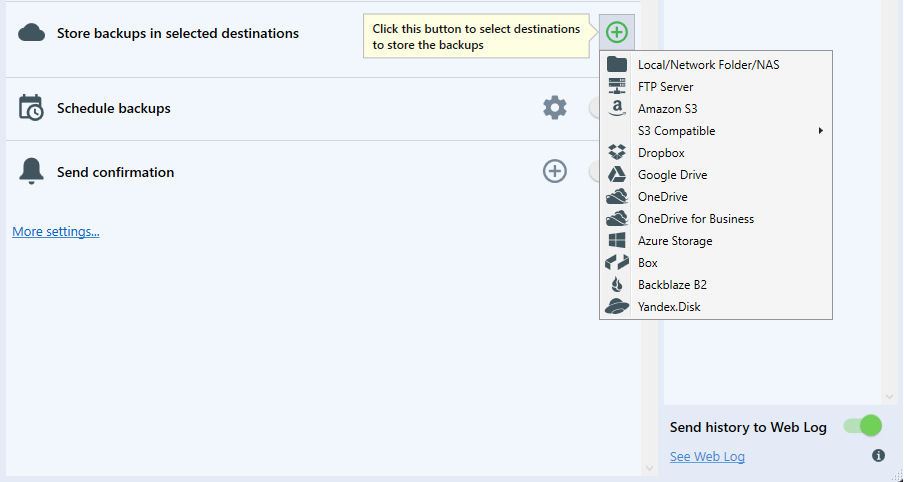
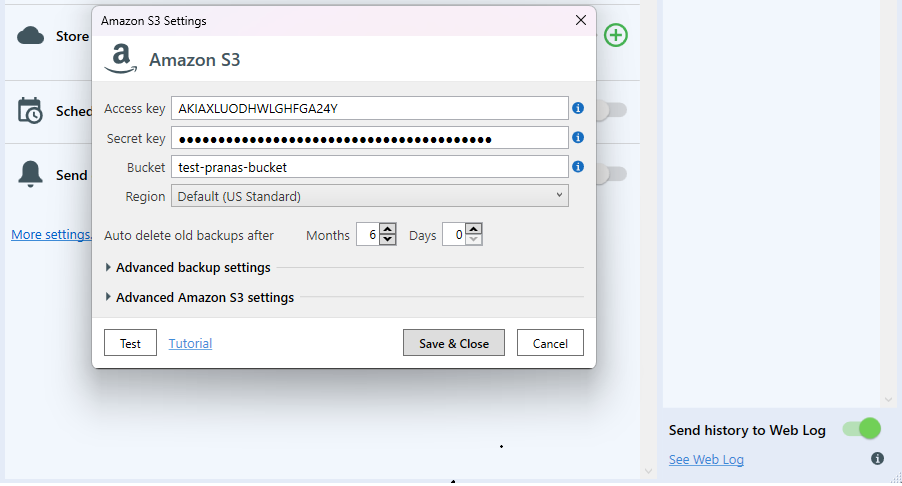
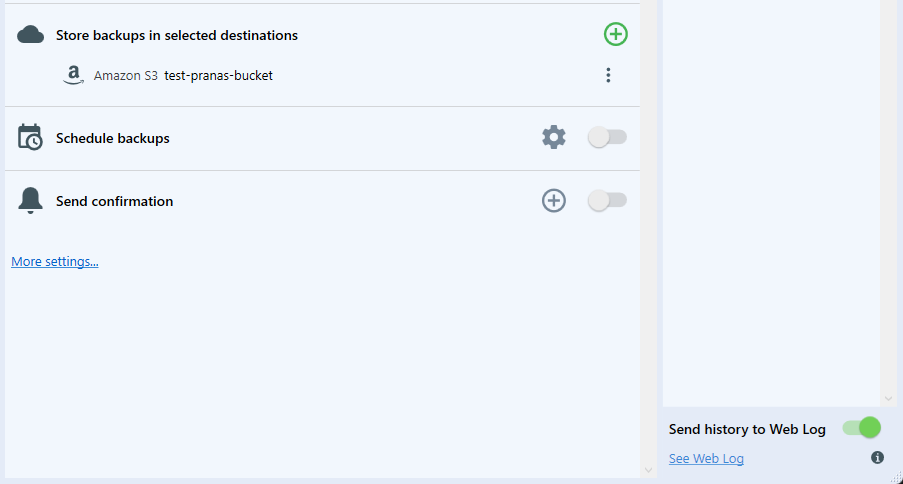
Store backups on local drives, FTP/SFTP, Amazon S3, Microsoft Azure, Google Drive and more.
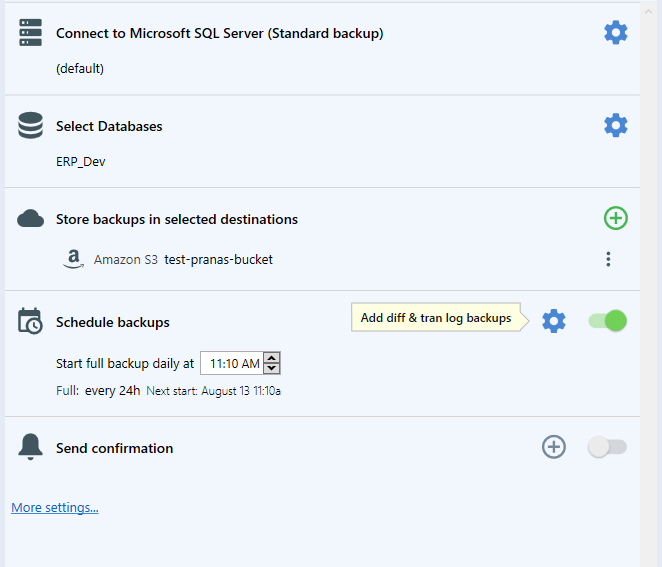
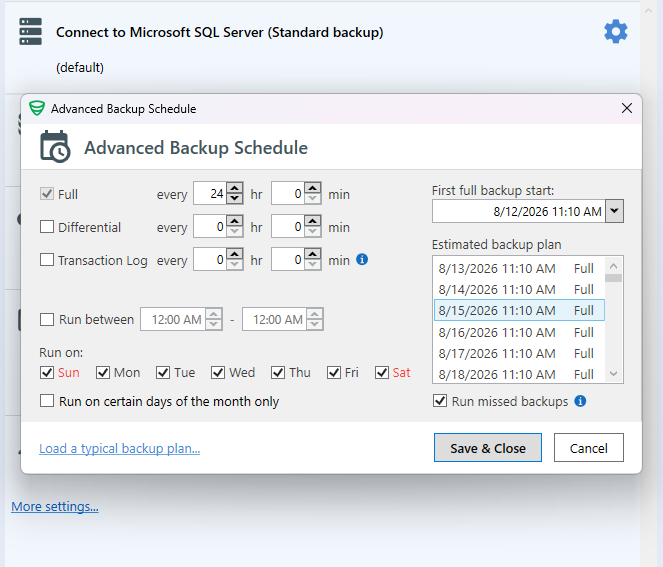
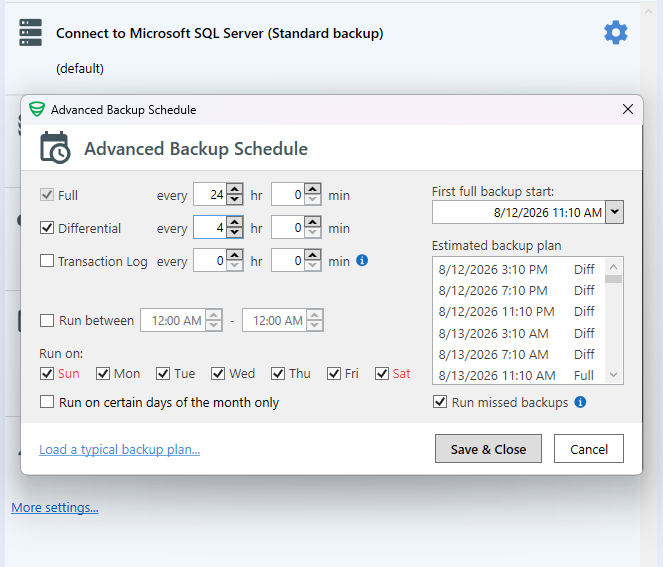
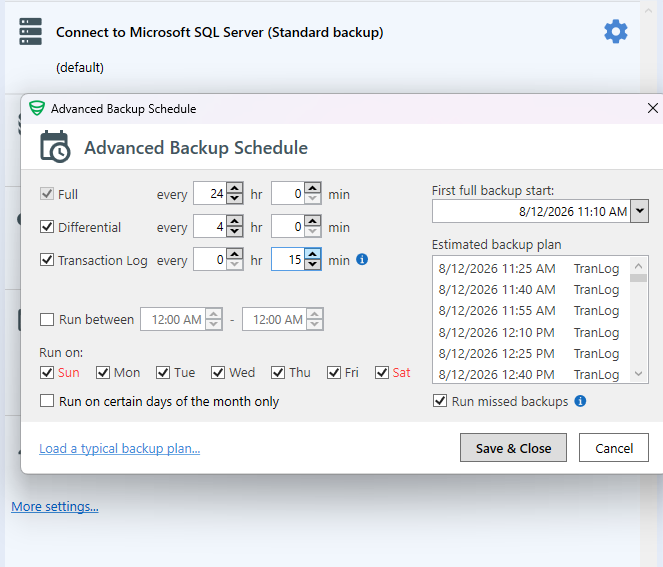
Choose when and how often the job should run. Full, differential or transaction log backups.
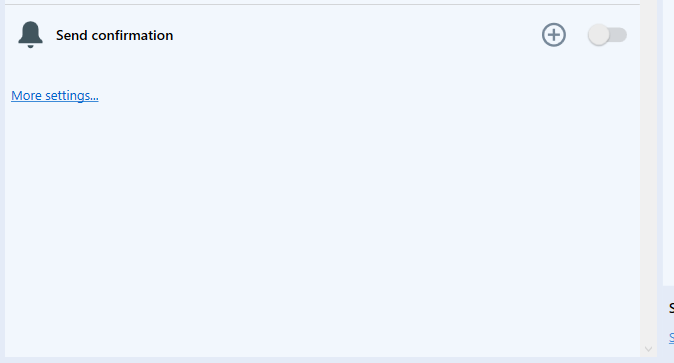
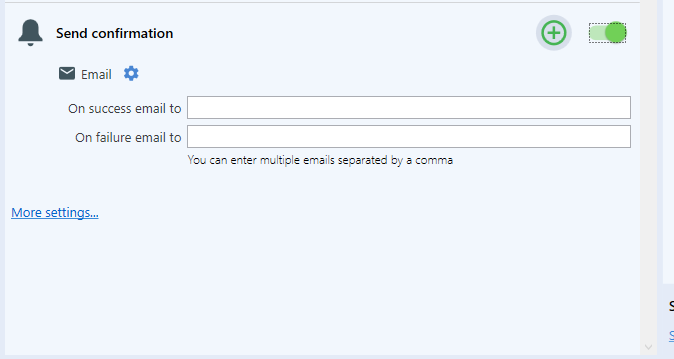
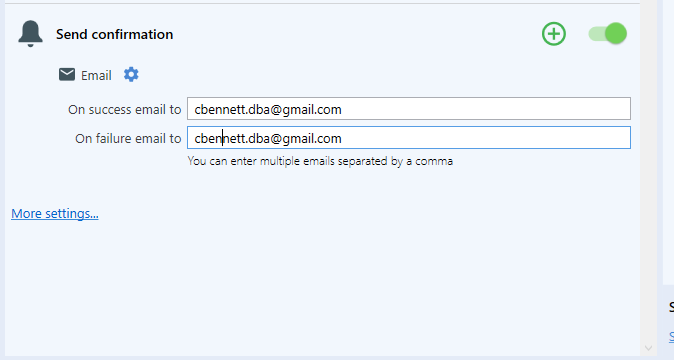
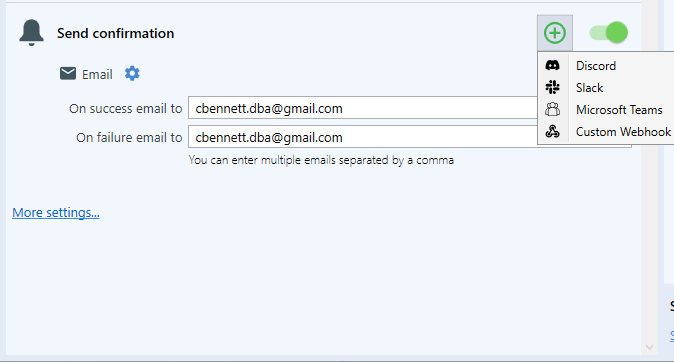
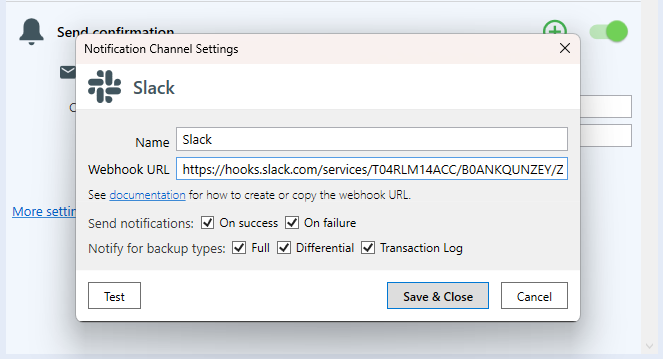
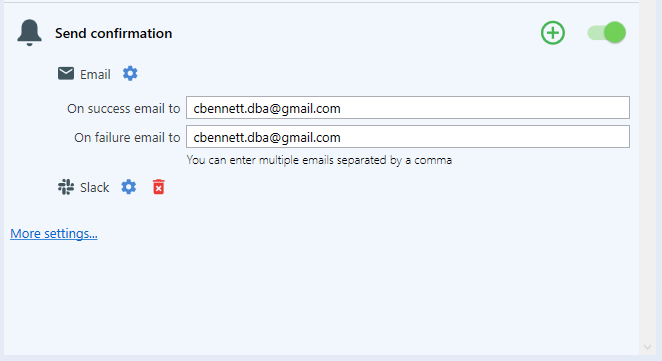
Get notified on success or failure by email, Slack, Teams, Discord or a webhook.
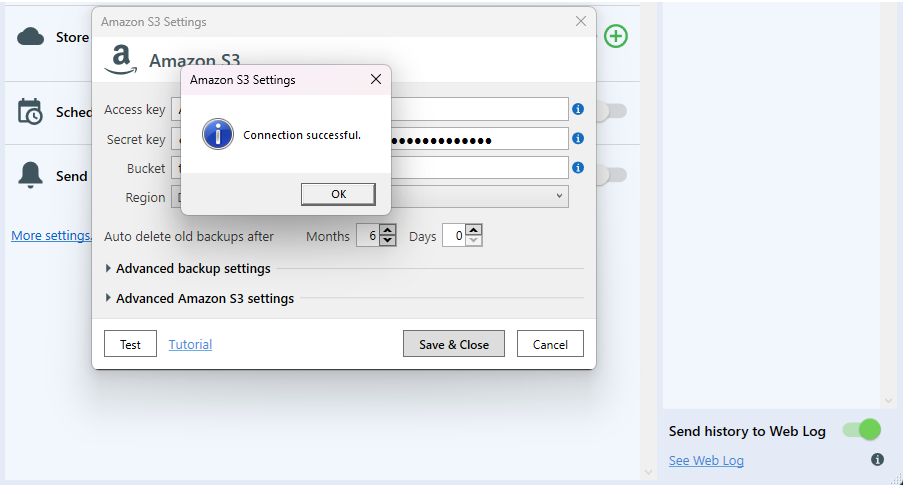
Click Run Now to start your backup job and verify the results.
All of it runs from one window, with no scripts to write and nothing to maintain.
Scheduled full, differential and transaction log backups. Database services keep running throughout.
Back up remote SQL Server, Azure SQL and Amazon RDS, including Express. Native backup or BACPAC, matched to the instance.
Email on success or failure, plus Slack, Teams, Discord and webhooks. Service-down alerts tell you when the server or the backup service stops responding.
Compress and encrypt your backup files before sending them to your chosen destination. Protect your data with AES encryption.
Restore SQL Server, Azure SQL and Amazon RDS backups when needed. Keep recovery close at hand, alongside your backup jobs.
Old backups are removed automatically by your retention policy. GFS keeps chosen weekly, monthly and yearly full backups longer than the rest.
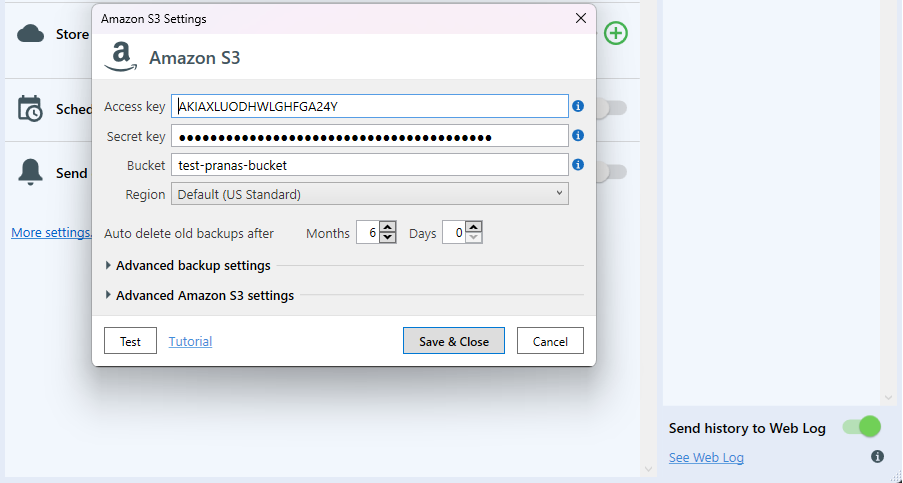
Point it at your databases, then choose where the backups go. Schedule, compression, encryption, retention and email are all switches on the same form.
Local, remote or cloud-hosted.
Pick one destination or several. Click any of them for the setup steps.
Real numbers. Real results. Real peace of mind.


Start free. Upgrade only when you need more features.
All plans: SQL Server, MySQL & PostgreSQL; remote/Azure SQL/RDS; files & folders; log shipping; unlimited Run Now backups.
View all plansTry risk-free. Get a full refund within 30 days, no questions asked.
Your data and payment information are always safe.
The community forum is open to everyone. Direct email support comes with an active Full-Service subscription, and those emails are answered within one business day.
Contact supportSQLBackupAndFTP is a backup solution for SQL Server, MySQL, and PostgreSQL databases that performs scheduled full, differential, and transaction log backups, supports incremental backups for MySQL and PostgreSQL, backs up files and folders, compresses and encrypts backup files, stores them locally, on a network, FTP/SFTP server, or in the cloud, automatically removes old backups based on retention policies, and sends email notifications on backup success or failure.
SQLBackupAndFTP is ideal for any SQL Server, MySQL, PostgreSQL, Azure SQL, or Amazon RDS SQL database where backups should be sent to FTP, SFTP, FTPS, NAS, local or network folder, Google Drive, Dropbox, OneDrive, Box, Amazon S3 and any S3-compatible storage, Azure Storage, or Backblaze B2.
SQLBackupAndFTP is made to be simple. While for the majority of users this is a huge advantage, some specific configurations are not handled. You should not use SQLBackupAndFTP if you want to monitor SQL Server performance and schedule backups online in your browser for a large number of servers - SqlBak may be suited better for you.
No. SQLBackupAndFTP is a standalone application: once you have bought a license for a computer, it never expires and you can keep using the version you purchased forever. Only the optional Full-Service subscription renews yearly, and one month of it is included with every license.
Discounts apply automatically at checkout: 15% off from 2 computers, 20% off from 5, and 25% off from 10. The “Professional 1 database” edition is sold in packs of 5, with its own 20% discount starting at 20 computers. Above fifty computers, write to us and we will quote a price.